eSIM or Pocket Wi-Fi in Japan? A Guide for Families
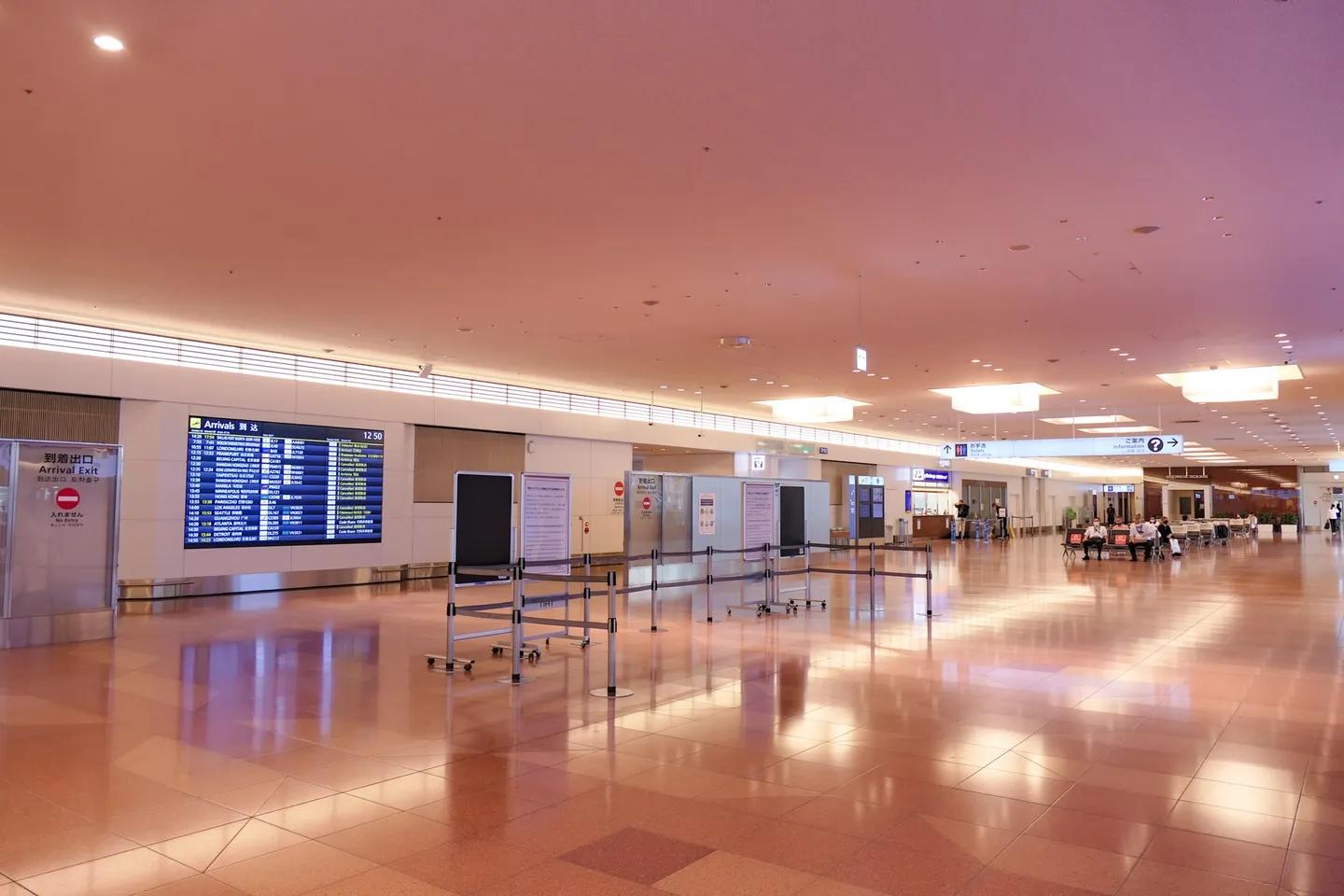
"Tokyo-International-Airport T3 Arrival-lobby" by MaedaAkihiko, CC BY-SA 4.0, via Wikimedia Commons
This page contains affiliate links. If you book through them, we may earn a commission at no extra cost to you. How this works
- An eSIM is bought online before you fly, and there's nothing to pick up or return. Your phone has to support eSIM and be unlocked. If you and your partner will split up during the day, one each is simplest.
- A pocket Wi-Fi is a small rented router that several family devices can share. You pick it up and return it, and you have to keep it charged.
- Either way, pack a power bank (Japan's cabin rules changed on 24 April 2026) and install your map, translation and theme park apps before you leave home.
Getting lost is stressful anywhere. Getting lost with a baby on your chest, a stroller in one hand and a nap that started ten minutes ago is something else. In Japan, a working phone is what gets you to the elevator, the nursing room, the right train exit and the restaurant that has a kids’ chair.
So think of your data connection as the safety net for the whole trip. The real question is which kind of net suits your family: an eSIM, a pocket Wi-Fi router or a physical SIM card. We went through the providers’ official pages, Apple’s and Google’s help pages, the Narita and Haneda airport sites, JNTO and Japan’s new 2026 power bank rules. Here’s what we found.
Why does staying connected matter more with a baby?
Because so much of the “baby logistics” in Japan happens on your phone:
- Maps. Finding station elevators, nursing rooms and baby-changing spots. Our guide to nursing rooms in Japan explains where to look for them.
- Translation. Reading a formula label, a menu or a sign at a station.
- Theme parks. The official Tokyo Disney Resort App, made by Oriental Land Co., is free. Its App Store descriptions say you can buy park tickets and manage mobile e-tickets, see wait times on a map, buy Disney Premier Access, get Standby Passes and enter Entry Requests (those two only once you’re in the park), book park restaurants and Disney hotels, and share plans with a group [22] [23]. Some features need GPS and an account. The app is in English and Japanese and is listed for iPhone (iOS 16 or later) [23]. More in our Tokyo Disney Resort with a baby guide.
- Taxis. Since 10 November 2023, the Japanese taxi app GO has let visitors register with an overseas mobile number and an overseas credit card, and the app displays in English (as reported in 2023) [24]. For car seats and taxis, see taxis, shuttles and car seats in Japan.
All of that runs on mobile data, and it uses battery. We’ll come back to batteries further down.
eSIM, pocket Wi-Fi or a SIM card: how do they compare?
Here are the three main options, side by side.
| eSIM | Pocket Wi-Fi | Physical SIM card | |
|---|---|---|---|
| How you get it | Buy online, before or after you fly [19] | Book online; airport pickup or hotel delivery [9] | Major airports, big electronics stores [9] |
| Devices | One phone each | WiFiBOX 4G: up to 5; Japan Wireless: up to 8 [4] [6] | One phone each |
| Return? | No | Yes, at a box or by post [4] [7] | No |
| Charging | Your phone only | A second device to charge [4] | Your phone only |
| Phone needs | eSIM support, unlocked [18] [19] | Nothing special | Unlocked [9] |
| Suits families who | Split up during the day | Stay together, use tablets | Have an older unlocked phone |
Note: Sharing an eSIM’s data with other devices by hotspot depends on the plan. Airalo’s own blog says not every eSIM plan supports hotspot use and suggests checking before you buy [3]. If you plan to share one eSIM between phones or with a tablet, read the plan details first.
What does each one cost?
Prices change often, so treat these as examples, not a quote. We picked one eSIM seller and one pocket Wi-Fi rental company that publish their prices clearly. That isn’t a recommendation of either over others.
Airalo’s Japan eSIM is a data-only eSIM that runs on SoftBank and other Japanese networks, and you can top it up online [1]. It sells fixed-data plans and unlimited plans.
The site shows prices in your local currency, so check the price in your own currency at checkout. A few rules from Airalo’s help center are worth knowing [2]:
- The data is for the whole period, not a daily allowance.
- For most packages, the clock starts when the eSIM first connects to a network in Japan, not when you install it. Some start at installation, so check the plan’s validity policy.
- You can’t extend the validity period.
- On unlimited plans, speeds may slow after a set amount of data in a day.
WiFiBOX (run by Telecom Square) rents pocket Wi-Fi routers from self-service boxes. Its official price page lists these daily rates for Japan [5]:
WiFiBOX says delivery and handover fees are ¥0 [5]. Optional cover is ¥330 a day (full cover) or ¥198 a day (80% cover, up to ¥3,000 to pay), tax included, and you can only add it when you book. Without cover, loss, theft or damage costs up to ¥15,000 [5].
Japan Wireless, another rental company, offers one unlimited pocket Wi-Fi plan for up to 8 devices, with two power banks in the box [6]. Its prices are on its own rates page; check them there for your dates.
So which would we choose?
If we were planning for two parents and a baby who’d sometimes split up (one stays at the hotel for a nap, the other goes out), we’d lean toward one eSIM per adult phone. Nobody is left without maps, and there’s nothing to return at the airport with a tired baby.
If you’re a group that always moves together, or you want an older child’s tablet online on the train, a pocket Wi-Fi can make more sense: one router, several devices. Just remember that whoever carries it is now everyone’s internet.
Does your phone support eSIM?
Check this at home, well before the trip.
iPhone. eSIM works on iPhone XS, XS Max, XR and later, with a provider that supports eSIM [18]. To use another provider’s eSIM abroad, the iPhone must not be carrier-locked. Go to Settings > General > About. If you see “No SIM Restrictions” next to Carrier Lock, it’s unlocked [19].
Apple also explains that you can keep your home number on for calls and texts and choose the travel eSIM for data in Settings > Cellular > Cellular Data. Leaving your home line on can still mean roaming charges from your home carrier, so check your plan [19]. Some eSIM providers ask for ID such as a passport [19].
Google Pixel. Pixel 3a and later can use one physical SIM and one eSIM, and Pixel 7 and later can run two eSIMs if the carrier allows it [20]. Pixel 10 and later (except the 10 Pro Fold) are eSIM-only in the US [20]. Add an eSIM at Settings > Network & internet > SIMs > Add SIM [20]. The phone must be SIM-unlocked. Pixels bought from the Google Store are unlocked, but phones bought through a carrier can stay locked for up to 2 years, so ask your carrier [21].
Other Android phones. Support differs by maker and model. Check your phone maker’s help pages.
Install it at home. Activating an eSIM may need Wi-Fi or another connection [18], and for most Airalo packages the validity period only starts when the eSIM connects to a network in Japan [2]. So it’s usually easier to install it on your home Wi-Fi, while the baby is asleep, than at the arrivals gate.
How do you pick up and return a pocket Wi-Fi?
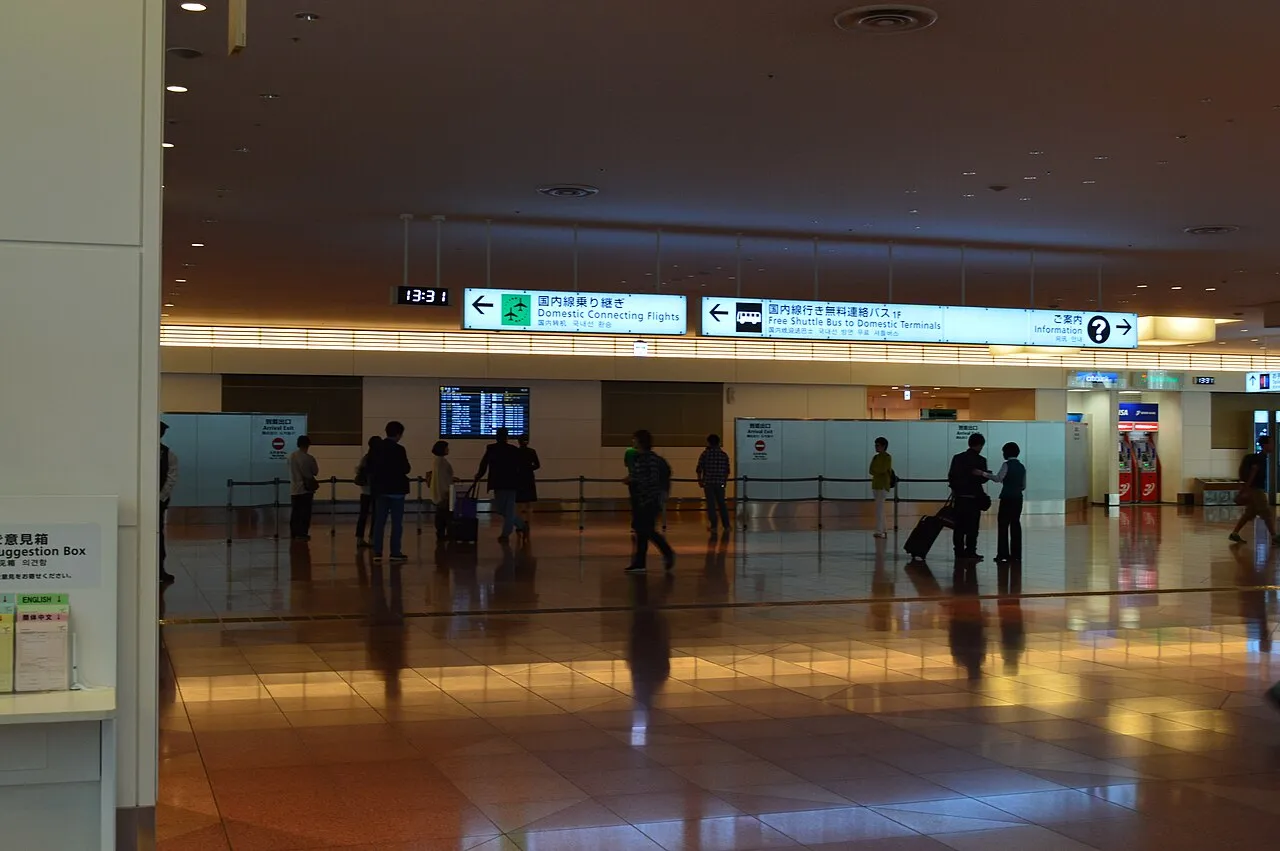
"羽田空港国際線ターミナル・到着L" by KΛNΛTΛ, CC BY-SA 3.0, via Wikimedia Commons
At Narita
Narita’s official site lists Wi-Fi, phone and SIM rental counters in every terminal, mostly before security. Companies include J WiFi & Mobile, Telecom Square, XCOM GLOBAL, SoftBank Global Rental, JAL ABC and AnyFone JAPAN [10]. Most open 07:00–21:00. JAL ABC on Terminal 1’s first floor opens from 06:30 [10]. In Terminal 3, J WiFi & Mobile is on the first floor, 07:00–21:00 [10]. There are also SIM vending machines in all three terminals [10].
At Haneda
Haneda’s official site lists [13]:
| Terminal | Where | Who | Hours |
|---|---|---|---|
| T3 | 2F arrivals | Mobile Center [13] | 06:30–23:00; 24-hour unmanned rental in front |
| T3 | 2F arrivals | AnyFone JAPAN (incl. prepaid SIMs) [13] | 06:00–23:00 |
| T2 | 2F international arrivals | J WiFi & Mobile / GLOBAL WiFi [13] | 05:45–23:00 |
| T1 (domestic) | 2F departures | WiFiBOX [13] | 05:00–24:00 |
If your flight lands late at night, the 24-hour unmanned rental in Terminal 3 may matter. Confirm with your rental company where and when you can collect.
At Kansai and other airports
WiFiBOX says it has over 700 pickup and return points, including about 50 airports, and names Haneda, Narita and Kansai among them [4]. For other companies at Kansai, check Kansai Airport’s official site and your rental company’s pickup list.
Hotel delivery, and how returns work
JNTO says you can also reserve a pocket Wi-Fi online and have it delivered to your hotel [9]. How it works depends on the company, so here are two examples.
- WiFiBOX: book and pay online, then scan the QR code at a box to take the router, from 2 days before your start date. You can return it to any WiFiBOX [4].
- Japan Wireless: pick it up at your hotel’s front desk (the name on the order must match the hotel guest’s name), or at listed airport counters and post offices with your passport and tracking number. It doesn’t deliver to Airbnb [7]. How far ahead you need to order depends on where you pick it up, so check the company’s guide [8]. To return it, put it in the prepaid envelope and drop it in any postbox or post office in Japan by the day after your rental ends (check the exact time in your booking). Airport counters and hotels don’t accept returns, and at airports you post it before security [7] [8]. Narita Terminal 3 has no postal collection [8].
If you’re picking up a delivered router at the front desk, you can show this to the staff along with the name on your booking:
ポケットWi-Fiの荷物が届いていますか。予約の名前はこちらです。Poketto wai-fai no nimotsu ga todoite imasu ka? Yoyaku no namae wa kochira desu. (“Has a pocket Wi-Fi package arrived for me? Here is the name on the booking.”)
Is free Wi-Fi in Japan enough?
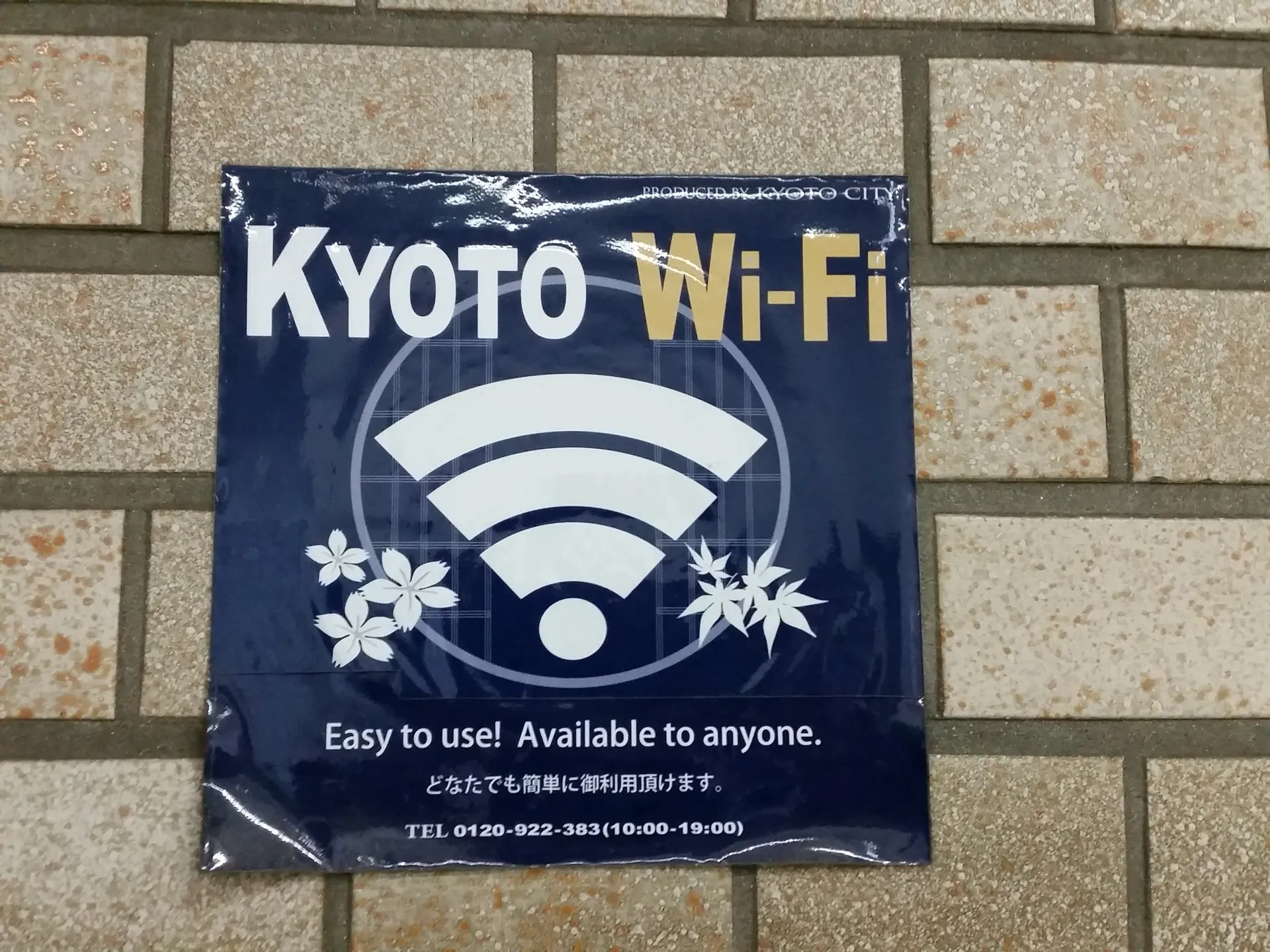
"KYOTO Wi-Fi 2016" by Nori Norisa, CC BY 2.0, via Wikimedia Commons
It’s a good backup, but we wouldn’t plan the trip around it.
- Airports. Narita’s free network is FreeWiFi-NARITA. It covers all areas of every terminal and the buses between terminals, and you agree to the terms on a login page [11]. Narita notes it isn’t encrypted and recommends a VPN for anything important [11]. Haneda’s is HANEDA-FREE-WIFI in all three terminals. You open a browser and follow the prompts, and the signal is weak in some spots [14]. Handy for installing an app or messaging family on arrival.
- Hotels. JNTO says most major city hotels have Wi-Fi, but ryokan (traditional inns) and minshuku (family-run guesthouses) in rural areas may not, so check when you book [9].
- Cafes and fast food. Some coffee chains and fast-food restaurants have free Wi-Fi, but JNTO notes you usually need to sign up and the signal can be patchy [9].
The catch with a baby is timing. You need the map when you’re on the street, not when you’re sitting in a cafe.
How do you keep phones charged, and what are the power bank rules?
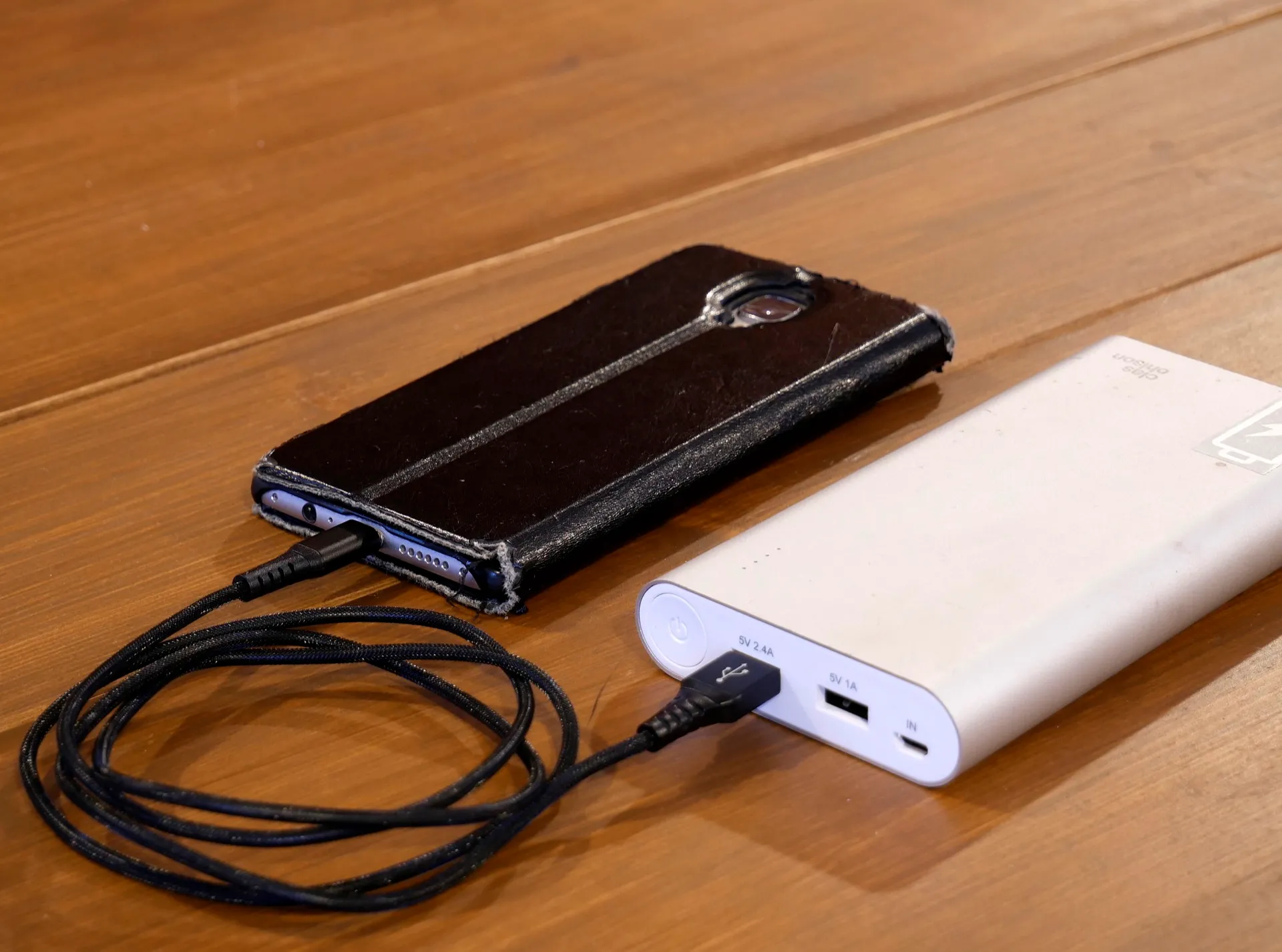
"Charging smartphone with powerbank 20180312" by Santeri Viinamäki, CC BY-SA 4.0, via Wikimedia Commons
Maps, translation and park apps all drain batteries, and a pocket Wi-Fi is one more thing to charge.
A pocket Wi-Fi can help here: WiFiBOX’s 4G router runs up to 12 hours and has built-in cables so it can charge your phone like a power bank, and its 5G router runs up to 20 hours [4]. Japan Wireless puts the battery at about 8–10 hours and includes two power banks [6].
Japan’s power bank rules for flights changed on 24 April 2026 [25] [26]:
| Rule | What it says | Source |
|---|---|---|
| How many | Up to 2 per person, in the cabin | [25] [26] [27] |
| Size | Each 160 Wh or less | [25] [27] |
| Charging the power bank on board | Not allowed | [25] [27] |
| Charging devices from it on board | Not allowed | [25] [27] |
| Checked baggage | Not allowed | [25] [27] |
| Terminals | Cover with tape or a plastic bag | [27] |
JNTO says JAL and ANA apply these rules on both domestic and international flights. On a non-Japanese airline’s international flight, check that airline’s website [26].
The official pages we read don’t say how a rented pocket Wi-Fi router, or the power banks that come with one, count toward the limit. If you’ll fly within Japan with one, ask your airline. One practical point: since you can’t charge devices from a power bank on board, charge phones and tablets fully before boarding, and download the baby’s shows or music ahead of time.
Renting a power bank in Japan. CHARGESPOT, run by INFORICH, rents power banks from stands. You rent through the CHARGESPOT app or payment apps such as PayPay, d払い (d-barai), au PAY or LINE, and you can return to a different stand [16]. Narita has stands before security in all terminals, open 24 hours [12]. At Haneda, stands in Terminals 1 and 2 are available 05:00–24:00 and in Terminal 3 around the clock [15]. Rented batteries go in carry-on only and shouldn’t be used on the aircraft [15]. Losing or damaging one costs ¥4,080 [16] [17]. Rental prices are shown in the app, and some stands have special prices shown on the rental screen [17].
Before you fly: a checklist
Screenshot this section.
Two weeks or more before
- Check your phone supports eSIM and is unlocked (iPhone: Settings > General > About)
- Ask your carrier about unlocking, if needed
- Check your home plan’s roaming charges if you’ll keep your home line on
- Pocket Wi-Fi: book, choose airport pickup or hotel delivery, and note the return method
- Ryokan or rural stay: ask whether there’s Wi-Fi
A few days before
- Buy and install the eSIM on home Wi-Fi (check when its validity starts)
- Install map, translation, taxi and theme park apps, and sign in
- Save hotel addresses in Japanese in your notes or maps
- Download offline maps, shows and music for the flight
- Pack up to 2 power banks of 160 Wh or less in your carry-on, terminals covered
On arrival
- Switch your data line to the travel eSIM, or collect the pocket Wi-Fi
- Note the router’s return place and deadline in your phone
- Connect to the airport’s free Wi-Fi if you need to finish a setup
For the rest of your packing, see our Japan with a baby packing list.
Questions parents ask
- Is an eSIM or a pocket Wi-Fi better for a family in Japan?
- It depends on how you travel. An eSIM has nothing to pick up, return or charge separately, but each phone needs its own, and your phone must support eSIM and be unlocked. A pocket Wi-Fi lets several devices share one connection (WiFiBOX's 4G router connects up to 5, Japan Wireless says up to 8), but you collect it, return it and keep it charged, and everyone has to stay near it.
- Can I share my eSIM data with my partner's phone or a tablet?
- Only if your plan allows it. Airalo's own blog says not every eSIM plan supports hotspot use, so check the plan details before you count on sharing. Hotspotting also uses more data and drains your phone faster.
- How many power banks can I take on a flight from Japan?
- From 24 April 2026, Japan's rules allow up to 2 power banks per person in the cabin, each 160 Wh or less. You can't charge the power banks on board or charge other devices from them on board, and power banks can't go in checked baggage. JAL and ANA apply this on domestic and international flights. On a non-Japanese airline's international flight, check that airline's rules.
- Is there free Wi-Fi at Japanese airports?
- Yes at the big ones. Narita's free network is FreeWiFi-NARITA and Haneda's is HANEDA-FREE-WIFI. Narita notes its network is not encrypted and recommends a VPN for anything important.
- Japan eSIMs — Airalo
- How do data amounts and validity periods work for eSIM packages? — Airalo (Help Center)
- Can You Hotspot with an eSIM? — Airalo (official blog, updated 28 May 2025)
- 【即日】国内・海外ポケット型WiFiレンタルならWiFiBOX|セルフWiFiレンタル — Telecom Square (WiFiBOX)
- 料金・プラン・対応国一覧 – WiFiBOX — Telecom Square (WiFiBOX)
- Products | SIM Card, Easy to Use Pocket Wifi - Japan Wireless — Japan Wireless (Inbound Platform Corp.)
- Japan Wireless - Pocket WiFi User Guide — Japan Wireless (Inbound Platform Corp.)
- Pocket WiFi & Data Sim Card: FAQ — Japan Wireless (Inbound Platform Corp.)
- Wi-Fi in Japan | Travel Japan | JNTO — Japan National Tourism Organization
- 携帯電話・Wi-Fiレンタル・SIMカード | 成田国際空港 — Narita International Airport Corporation
- Wi-Fi・電源スペース | 成田国際空港 — Narita International Airport Corporation
- モバイルバッテリーレンタル | 成田国際空港 — Narita International Airport Corporation
- 携帯電話・Wi-Fiレンタル・SIM | 羽田空港旅客ターミナル — Japan Airport Terminal Co. (Haneda Airport Passenger Terminals)
- 無線LAN | 羽田空港旅客ターミナル — Japan Airport Terminal Co. (Haneda Airport Passenger Terminals)
- モバイルバッテリーシェアリング CHARGESPOT | 羽田空港旅客ターミナル — Japan Airport Terminal Co. (Haneda Airport Passenger Terminals)
- CHARGESPOT(チャージスポット)|モバイルバッテリーシェアリング — INFORICH Inc.
- 料金(CHARGESPOT) — INFORICH Inc.
- Set up eSIM on iPhone - Apple Support — Apple
- Use eSIM while traveling internationally with your iPhone - Apple Support — Apple
- How to use dual SIMs on your Google Pixel phone - Pixel Phone Help — Google
- Use your Pixel phone with any mobile operator - Pixel Phone Help — Google
- 東京ディズニーリゾート・アプリ (App Store, Japan) — Oriental Land Co., Ltd. (App Store listing)
- Tokyo Disney Resort App (App Store, US) — Oriental Land Co., Ltd. (App Store listing)
- タクシーアプリ「GO」、海外の電話番号で登録可能に(Impress Watch, 10 Nov 2023) — Impress Watch
- 新たなルールについて(機内へのモバイルバッテリーの持込み) — Civil Aviation Bureau, Ministry of Land, Infrastructure, Transport and Tourism (MLIT)
- New Carry-on Power Bank Regulations are Coming into Effect from Apr 24, 2026 (JST) — Japan National Tourism Organization
- Baggage (Check-in Procedures, Carry-on, Inspections) [Japan Domestic Flights] — ANA